

Never Miss a
Calendar Event Again.

Automatically convert your calendar events into alarms.
When notifications aren't enough, let alarms ensure you never miss what matters.

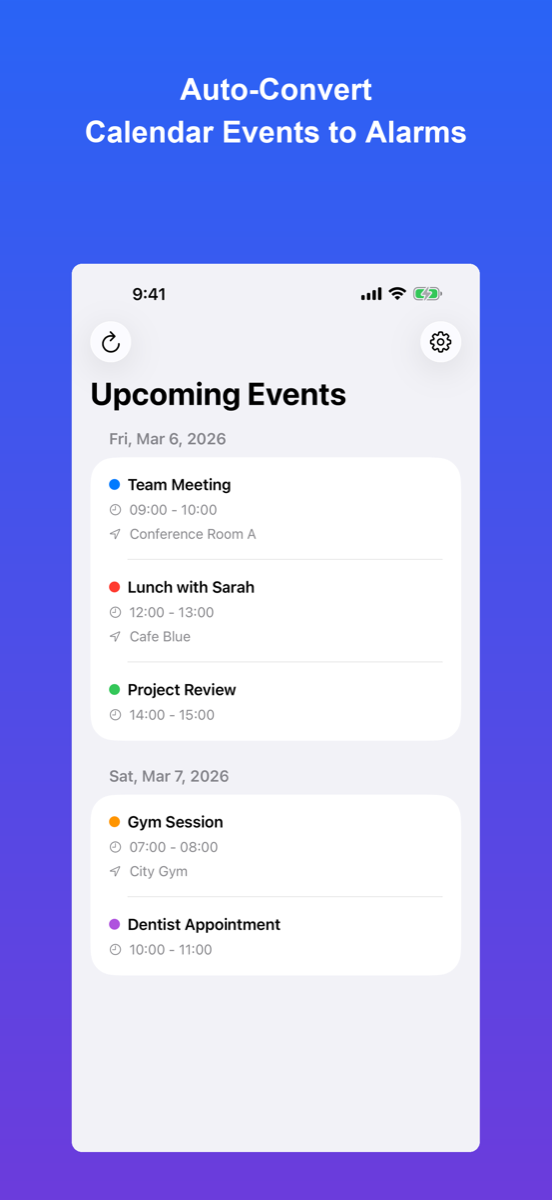
CalSyncAlert App Screenshot
14-day free trial.

Sound familiar?

😱

Added it to the calendar but...

"Oh no, the meeting started 30 minutes ago!" By the time you noticed, it was too late...

🔔

Notifications get buried

Calendar notifications come, but they get lost among other notifications...

Setting alarms is tedious

You want alarms for important events, but setting them manually every time is a hassle...
CalSyncAlert
solves everything

  • Auto-sync with calendars

    Automatically fetches events from iCloud Calendar, Google Calendar. Simple with no setup required.

  • Alarms at event time

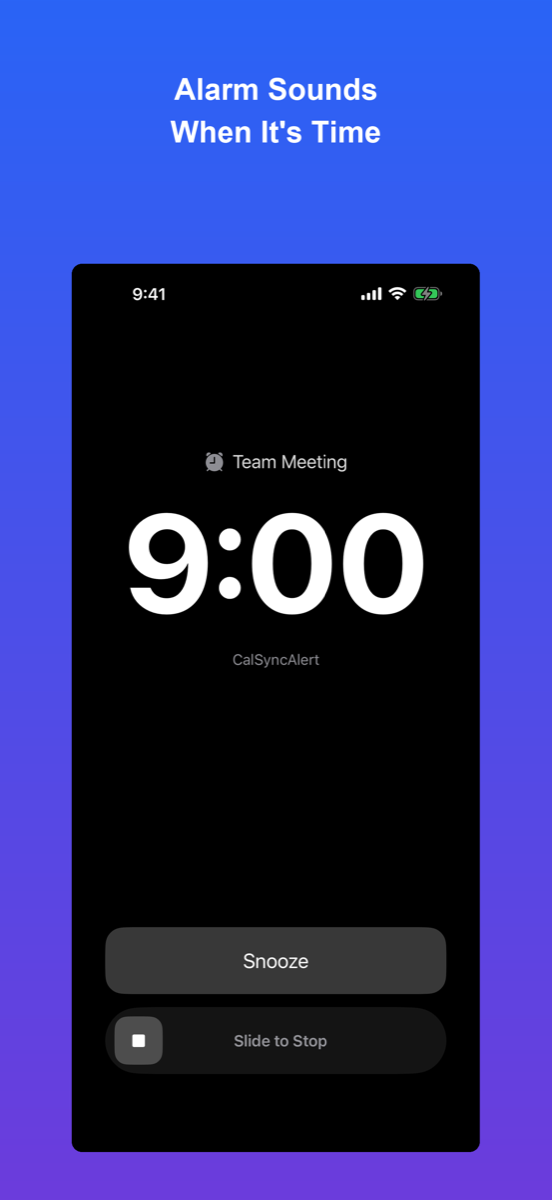
    Get notified by alarm, not just notification. You'll definitely notice.

  • Snooze feature ensures you notice

    Repeats until you acknowledge. You'll never miss it.

Key Features

🔄

Auto Alert Setup

Automatically converts calendar events to alarms. No manual setup needed.

🔔

Snooze Feature

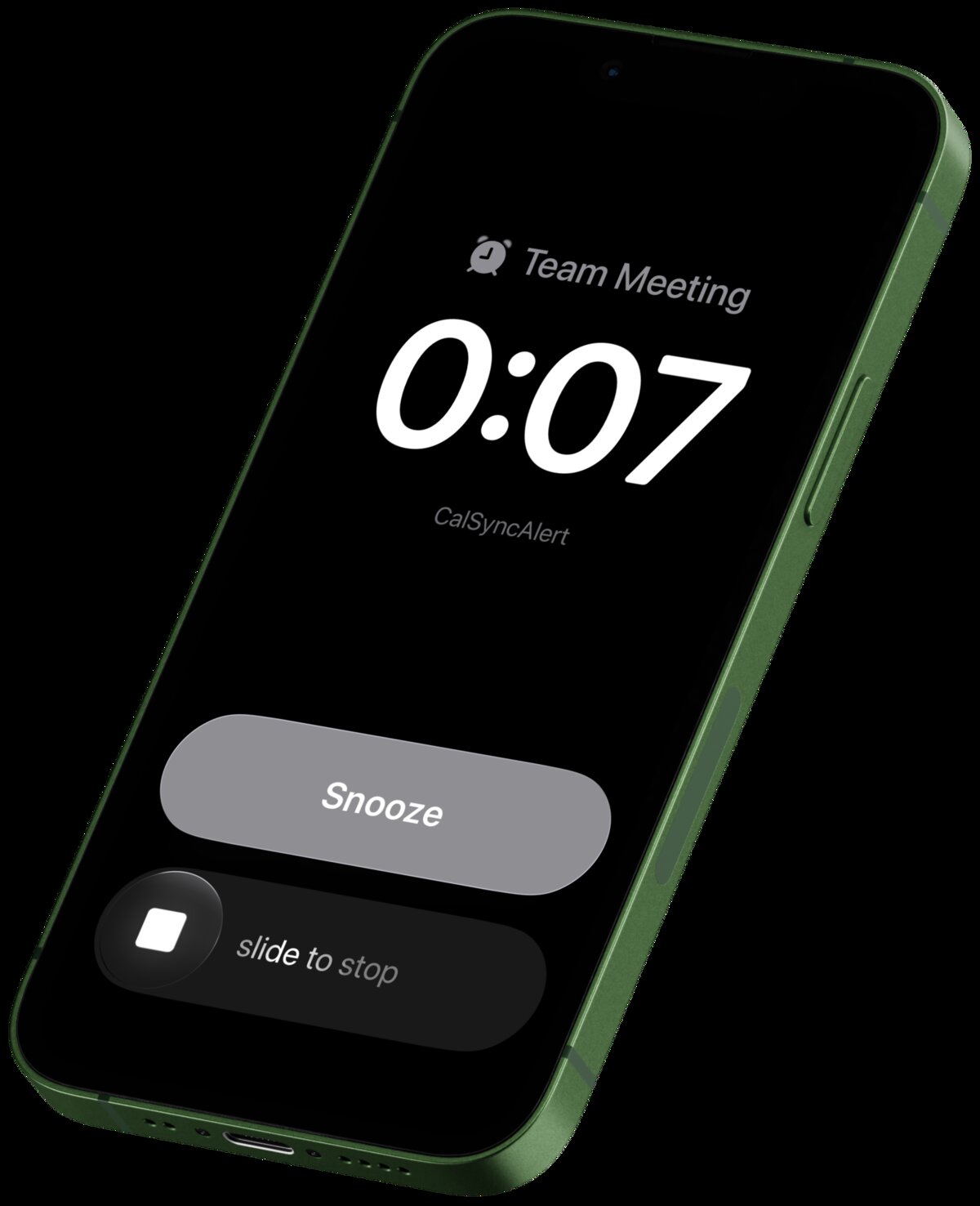
Repeating alarms with configurable snooze duration. Choose from 1, 5, 10, 15, or 30 minutes.

📅

Week View

View your upcoming events in-app. Simple and easy to read.

📲

Widget Support

Dual event widget shows your next 2 upcoming alarms with countdown. Small and medium widget sizes available.

🌐

Multiple Calendars

Works with Google, iCloud, and all calendars accessible via iOS.

⏱️

Snooze Options

Configure snooze duration: 1, 5, 10, 15, or 30 minutes. Customize how often you're reminded.

🔁

Repeating Alarms

Configurable nag intervals ensure you notice. Alarms repeat until you acknowledge them.

Perfect for you if...

🏃

You're too busy to remember

When work and life get hectic, there's no time to check your calendar. With alarms, you'll definitely notice.

📱

Too many notifications

Calendar notifications get lost among Slack, email, and other apps. Alarms stand out from the crowd.

📆

Google Calendar users

Already using Google Calendar? It syncs with iOS Calendar and automatically creates alarms.

Pricing

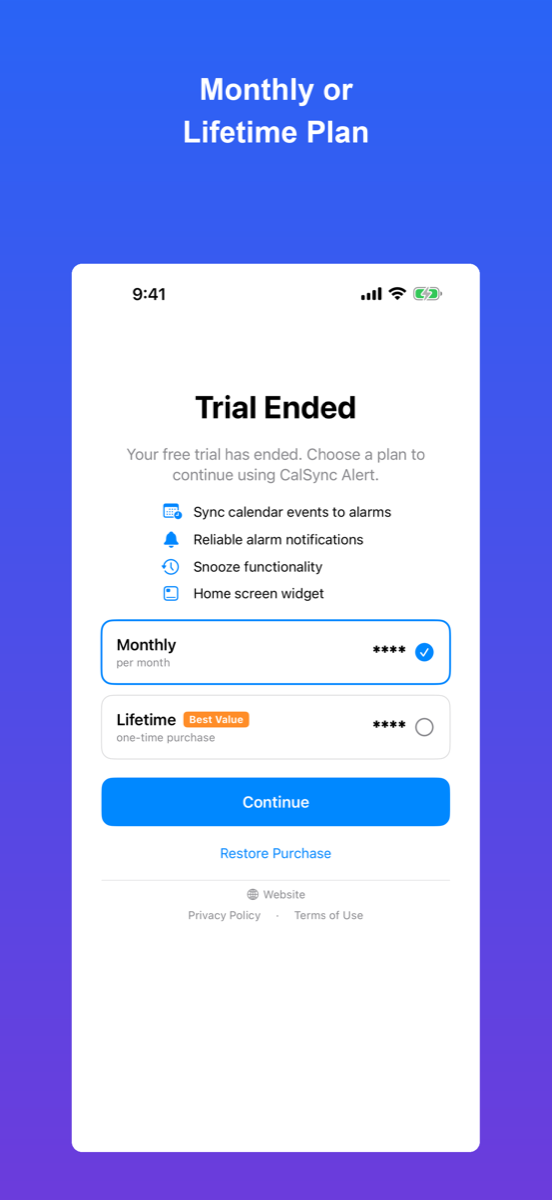
🎁 14-day free trial included — try all features for free!
Monthly

Monthly Plan

$0.99/mo
  • All features included
  • Cancel anytime
  • Always up to date

Frequently Asked Questions

How does CalSyncAlert convert calendar events to alarms?

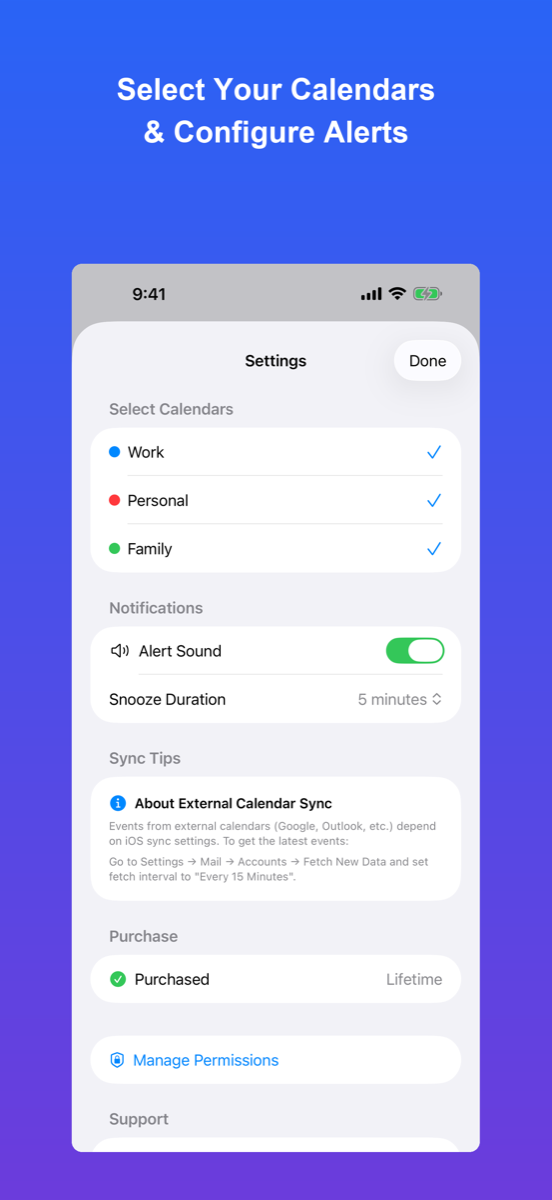
CalSyncAlert automatically syncs with your iOS calendars (iCloud, Google Calendar, Exchange, etc.) and creates alarms for upcoming events. No manual setup required - just select which calendars to monitor.

Does it work with Google Calendar?

Yes. Any calendar synced to your iPhone or iPad works with CalSyncAlert, including Google Calendar, iCloud Calendar, Microsoft Exchange, and others. Calendar colors are preserved for easy identification.

Can I customize snooze duration?

Yes. Choose from 1, 5, 10, 15, or 30 minute snooze intervals. Alarms repeat at your chosen interval until you acknowledge them, ensuring you never miss an event.

Ready to never miss an event again?

Start your 14-day free trial today. All features included.

Cancel anytime.