
Screenshots

Simple Alternating Dual Timer
Perfect for HIIT, Pomodoro, cooking, and any interval-based activity.
Free forever for the basics · $2.99 one-time unlocks Premium · No subscription
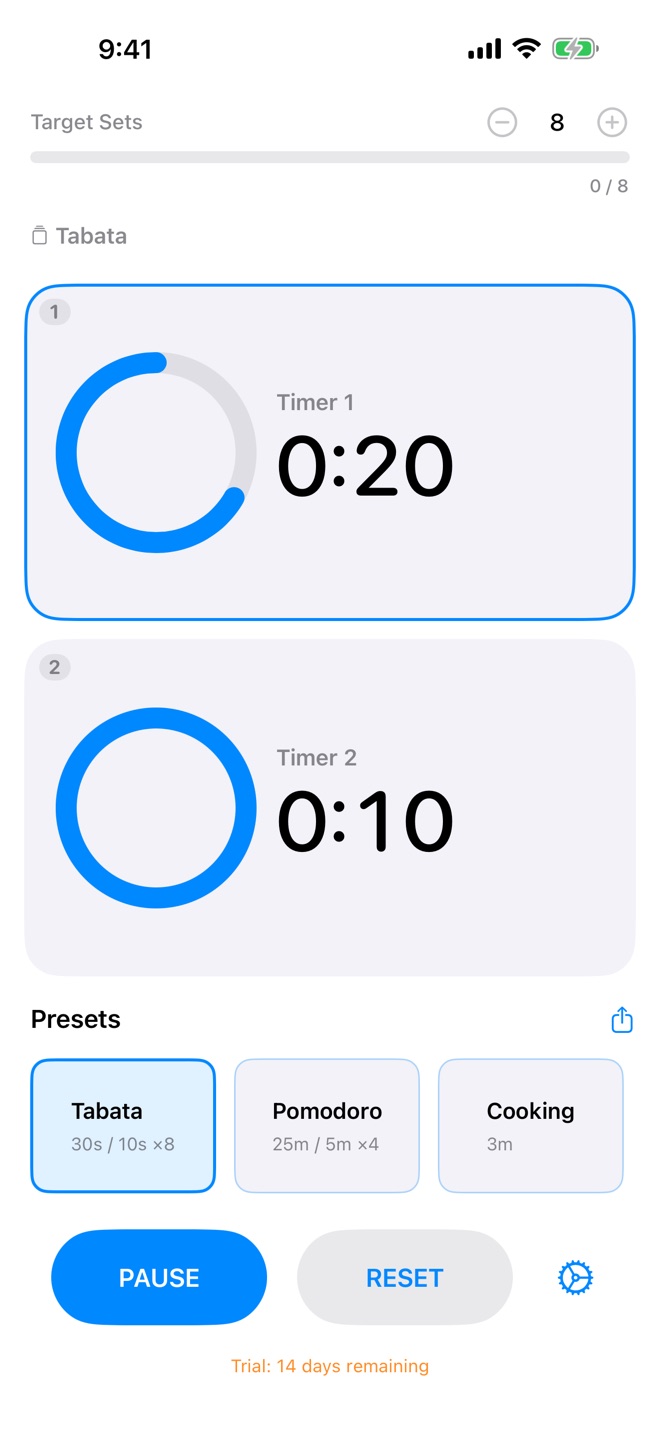
Alternate between high-intensity work and rest periods automatically.
30s work / 10s restFocus deeply, then take breaks. The perfect productivity companion.
25min work / 5min breakTime multiple cooking stages without juggling timers.
Sear / Rest / ServeStructure your practice with timed intervals for poses or breathing.
Hold / Transition
Set your timers, press start, and forget about it.
The timers run one after another and loop back automatically until you stop them or reach your target sets.
No more tapping "next" or managing multiple apps.
Configure your intervals once. The app remembers your settings, including the preset you last selected, even after a restart.
Lock your device. The timer keeps running with audio alerts.
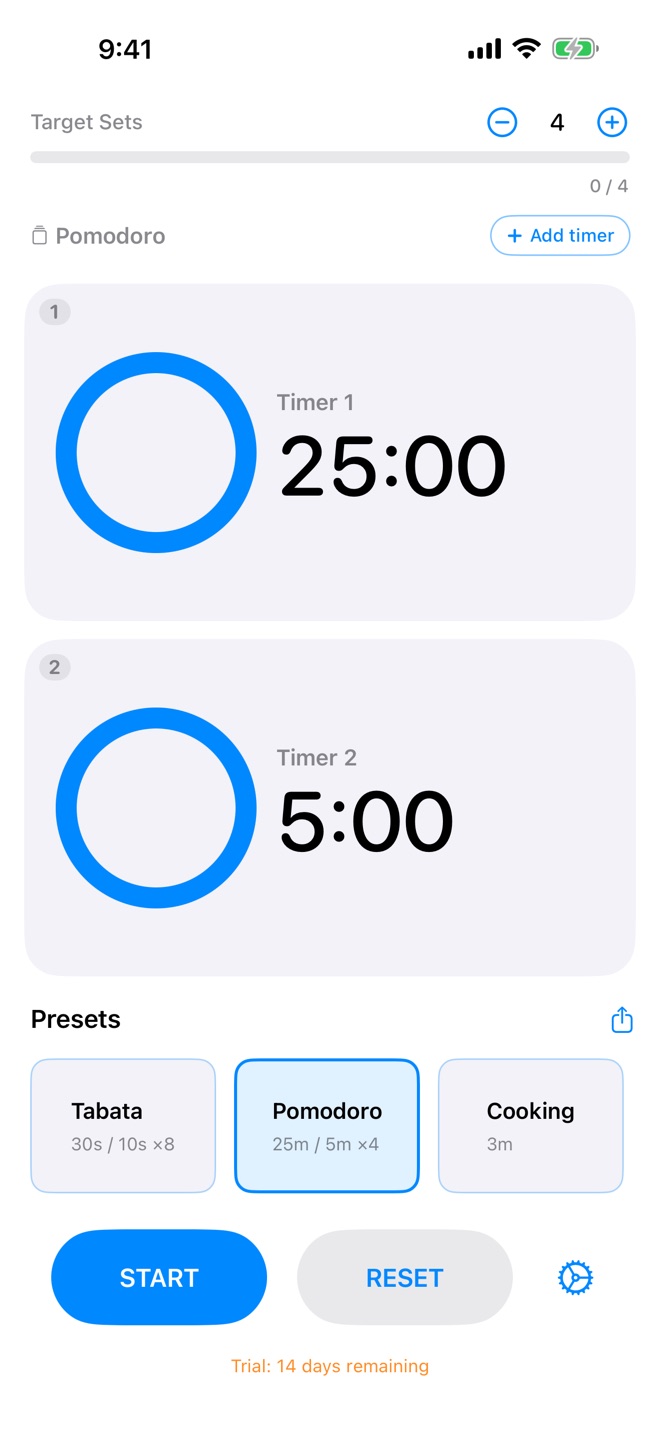
Clear circular progress bars show remaining time at a glance. With 3 or more timers, a progress strip shows where you are and the list scrolls to the running timer.
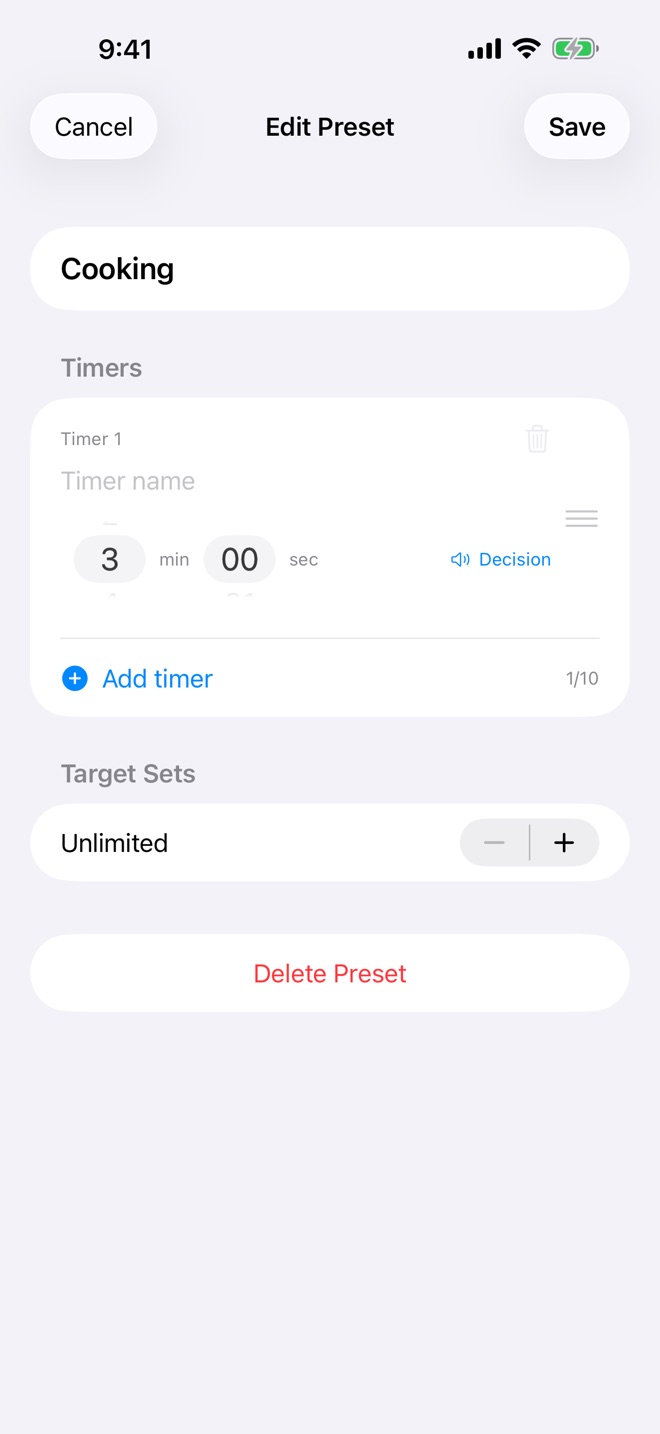
Two alternating timers out of the box. Add more with Add timer, up to 10 (the 3rd timer onward is Premium). Each timer has its own name and sound, and you can reorder or delete timers. 1 second to 60 minutes per timer.
Save your favorite timer combinations. Free includes the built-in HIIT preset; Premium unlocks every built-in preset and lets you create your own.
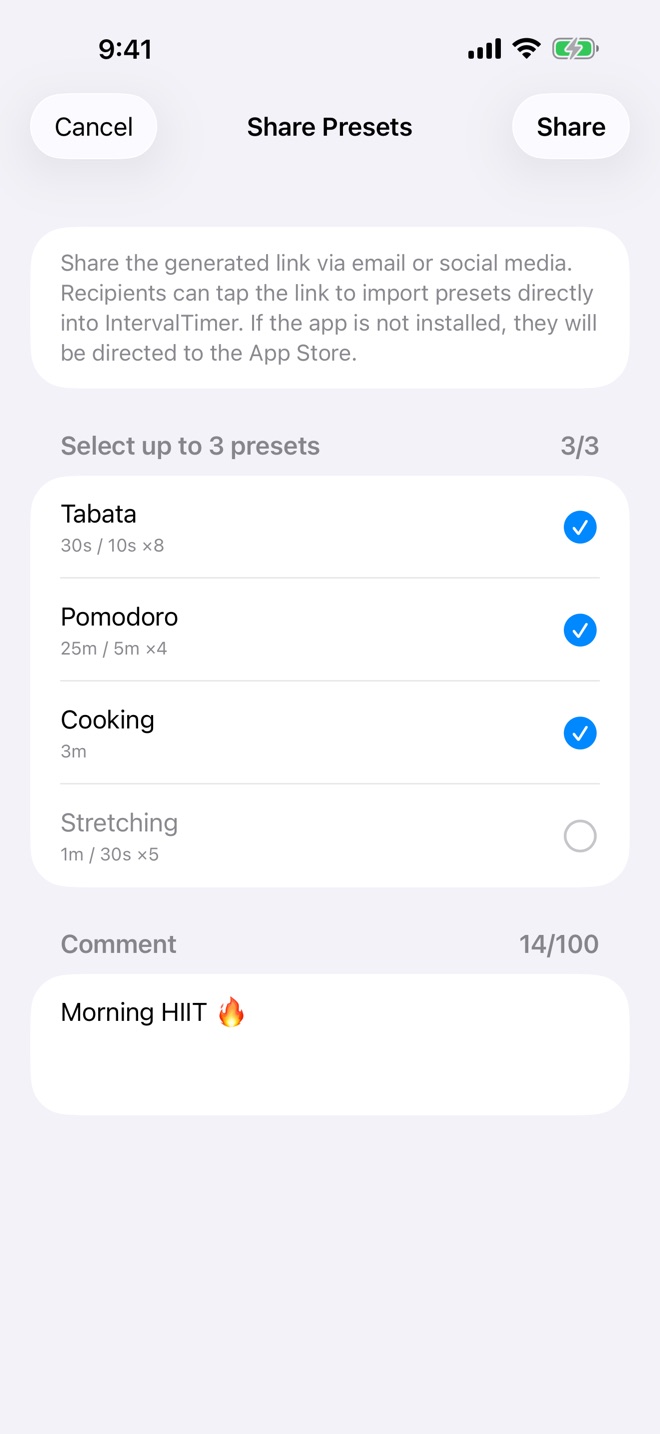
Share up to 3 presets at once via link, with an optional comment — free for everyone. The link includes every timer and its sound. Recipients can import with a single tap — perfect for coaches and workout partners.
Define a target number of sets and watch your progress. When you hit your goal, the goal completion sound plays and the timer stops.
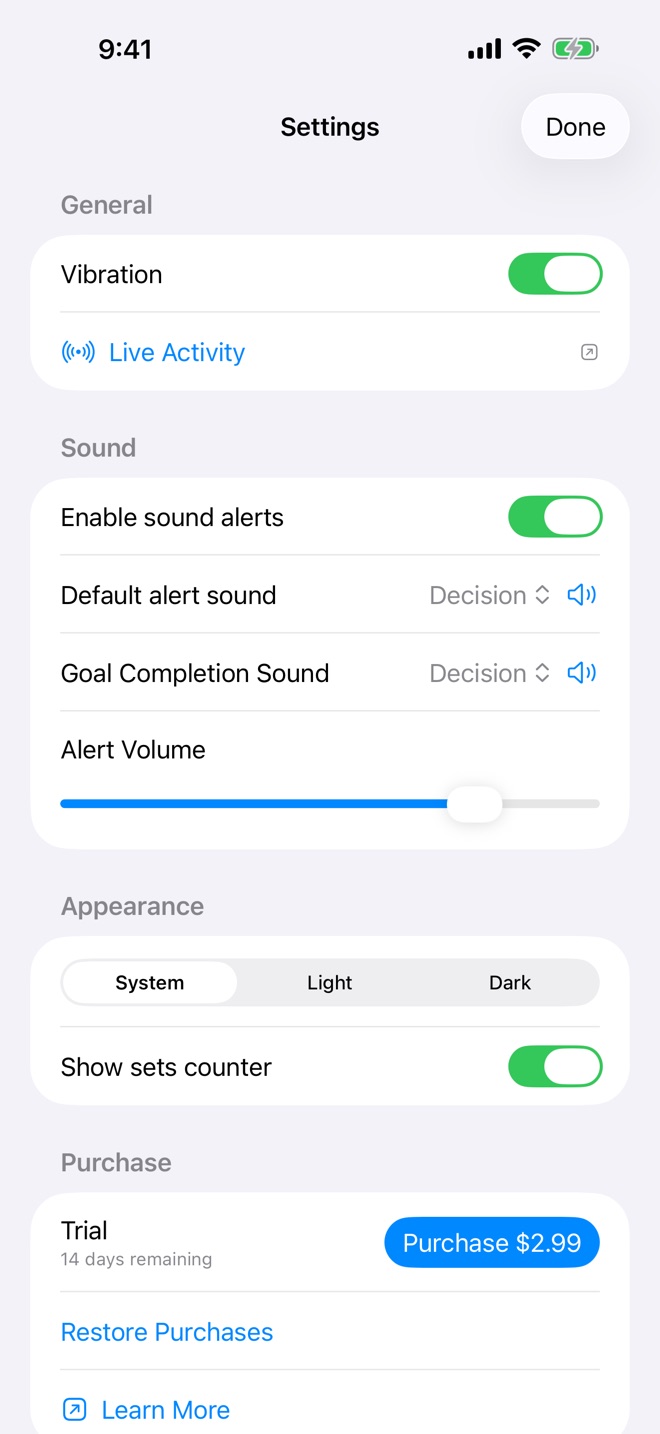
Choose from 6 notification sounds (2 free). Set a different sound for each timer.
Adjust alert volume independently. Perfect for quiet environments.
Haptic feedback when timers complete. Never miss an interval.
Available in English, Japanese, French, German, and Spanish.
Delete a timer to use the app as a simple single interval timer.
Download free and use the core dual-timer experience as long as you like. Unlock the full set of pro features with a single $2.99 purchase — no subscription, ever.

14-day Premium trial included on first launch
Prices are shown in US dollars. The amount charged follows your region's App Store price.
IntervalTimer Duo is a simple alternating interval timer app. Set two timers (or up to 10 with Premium) and they run one after another, looping back automatically - perfect for HIIT workouts, Pomodoro technique, cooking, yoga, and any interval-based activity. Available on iOS and macOS as a universal purchase.
Yes. Download for free and use two alternating timers, the built-in HIIT preset, basic alert sounds, and preset sharing for as long as you like — no subscription. Premium ($2.99 one-time) unlocks up to 10 timers, Live Activity, Dynamic Island, the set counter, all 6 sounds, and unlimited presets (including unlocking the other built-in presets).
When you install the app, every Premium feature is unlocked for 14 days so you can try them in real workouts and work sessions. After the trial the basics keep working forever — only Premium features lock until you make the one-time $2.99 purchase. Existing paying customers are automatically recognised. The trial start date is kept in your device's Keychain, so deleting and reinstalling the app on the same device doesn't restart the trial.
Yes — Lock Screen Live Activities and Dynamic Island are part of the Premium tier on supported iPhones. You can see the current timer's name and remaining time without unlocking your device — and, with 3 or more timers, its position (e.g. 2/4). The app requires iOS 26.1 or later.
Sharing is free for everyone. On the main screen, tap the share icon next to the Presets heading, choose up to 3 presets, add an optional comment (up to 100 characters), and send the link via Messages, email, or any app. The link includes every timer in each preset, with its sound. Recipients (free or Premium) tap the link, then Import. On the free tier, only the first preset in your list can be played, and received presets are added to the end of the list. It's perfect for trainers, study groups, and friends running the same routine.
Two alternating timers are free. With Premium, add timers with Add timer on the main screen or in the preset editor, up to 10 per setup — for example warm-up, work, rest, and cool-down. You can name each timer, give it its own sound, reorder timers, or delete one to run a single timer.
No. Premium is a one-time $2.99 purchase. Pay once and use it forever on both iOS and macOS — it's a universal purchase. No subscription, no recurring fees.
Absolutely! IntervalTimer Duo comes with a built-in Pomodoro preset (Premium; 25 minutes work / 5 minutes break). The free version can load only the first preset in your list, which is the built-in HIIT at first. You can also customize the durations to create your own Pomodoro variation. The timers alternate automatically so you can focus on your work.
Are you a fitness trainer, YouTuber, or content creator who uses interval timers for HIIT, Pomodoro, workouts, or study sessions?
We'd love to collaborate! We offer free promo codes to creators who feature IntervalTimer Duo in their videos or social media posts.
Download free and try every Premium feature for 14 days. Whether you stay free or unlock Premium, there's no subscription — ever.
Free forever for the basics · $2.99 one-time unlocks Premium