
IntervalTimer Duo

Control Without Clicking.

Desktop Interval Timer with Global Shortcuts

Start, pause, and reset your timer from any app with keyboard shortcuts.

$2.99 USD One-time purchase. No subscription.
Universal Purchase: Buy once, use on both iPhone and Mac
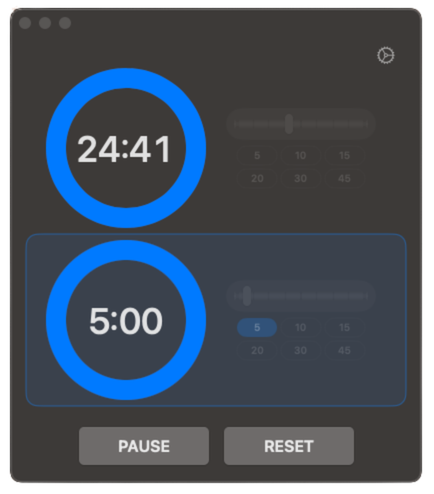
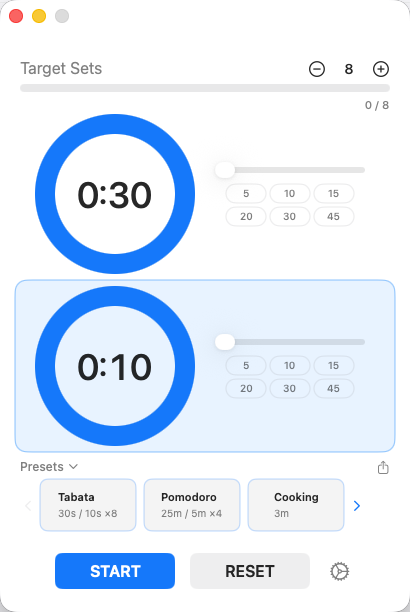
IntervalTimer Duo macOS App Screenshot

Built for Desktop Productivity

⌨️

Global Keyboard Shortcuts

Control your timer from any application without switching windows. Start, pause, and reset with customizable hotkeys.

⌃⌥Space to Start/Pause
📐

Compact Mode

A minimal 180x110px window shows just the timer. Perfect for keeping in the corner of your screen while working.

📌

Always on Top

Keep the timer window floating above all other windows. Never lose track of your intervals.

🔲

Adjustable Opacity

Make the timer window semi-transparent so it doesn't block your work while staying visible.

🎨

Theme Support

Light, Dark, or System theme. Matches your macOS appearance preferences automatically.
Perfect For Every Activity

💪

HIIT & Fitness

Alternate between high-intensity work and rest periods automatically.

30s work / 10s rest
🍅

Pomodoro Technique

Focus deeply, then take breaks. The perfect productivity companion.

25min work / 5min break
💻

Coding Sessions

Time your focused coding sessions and regular breaks to stay sharp.

50min code / 10min break
📚

Study & Learning

Structure your study sessions with timed intervals for better retention.

45min study / 15min rest

All Features

⏱️

Dual Timer System

Two independent timers that automatically alternate. 1 second to 60 minutes per timer.

📋

Presets

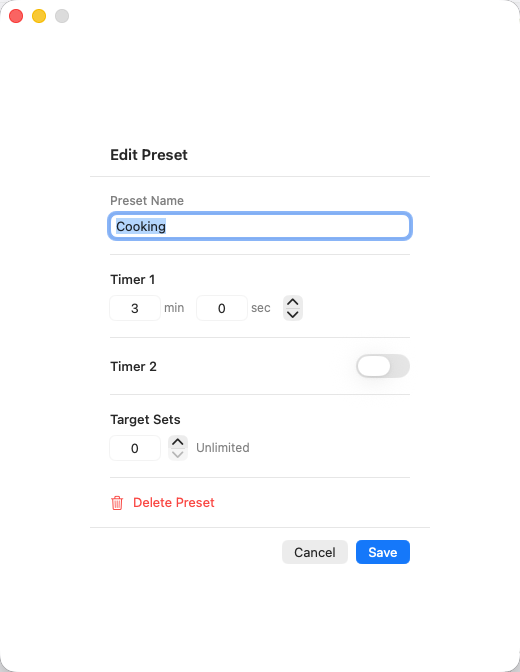
Save your favorite timer combinations. Built-in HIIT and Pomodoro presets included.

🔔

6 Alert Sounds

Choose from 6 notification sounds. Set different sounds for each timer.

🔊

Volume Control

Adjust alert volume independently. Perfect for quiet environments or shared spaces.

🌐

Multi-Language

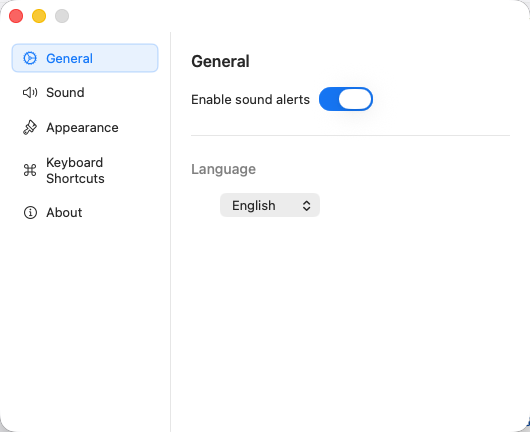
Available in English, Japanese, French, and German.

🔄

Optional Single Timer

Disable Timer 2 to use as a simple single interval timer.

Hide Seconds

Toggle seconds display for a cleaner, less distracting interface.

💾

Persistent Settings

Your timer durations and preferences are saved automatically.

Platform Features

macOS Features

  • Global Keyboard Shortcuts
  • Compact Mode (mini window)
  • Always on Top Option
  • Adjustable Window Opacity
  • Light/Dark/System Theme

iOS Features

  • Lock Screen Live Activity
  • Dynamic Island Support
  • Home Screen Widget
  • Haptic Feedback
  • iPhone & iPad Optimized

Simple Pricing

One-Time

IntervalTimer Duo

$2.99
Pay once, use forever. No subscription. No recurring fees.
  • All macOS features
  • Global keyboard shortcuts
  • Unlimited presets
  • 6 notification sounds
  • Universal purchase (iOS + macOS)
  • All future updates
Download on the Mac App Store

7-day free trial included