

Screen Annotation & Cursor Highlight Tool
macOSTransform your presentations, online meetings, and screen recordings with Annotify. Draw, annotate, and highlight your cursor in real-time during Zoom, Teams, or any application. Perfect for educators, presenters, and content creators.
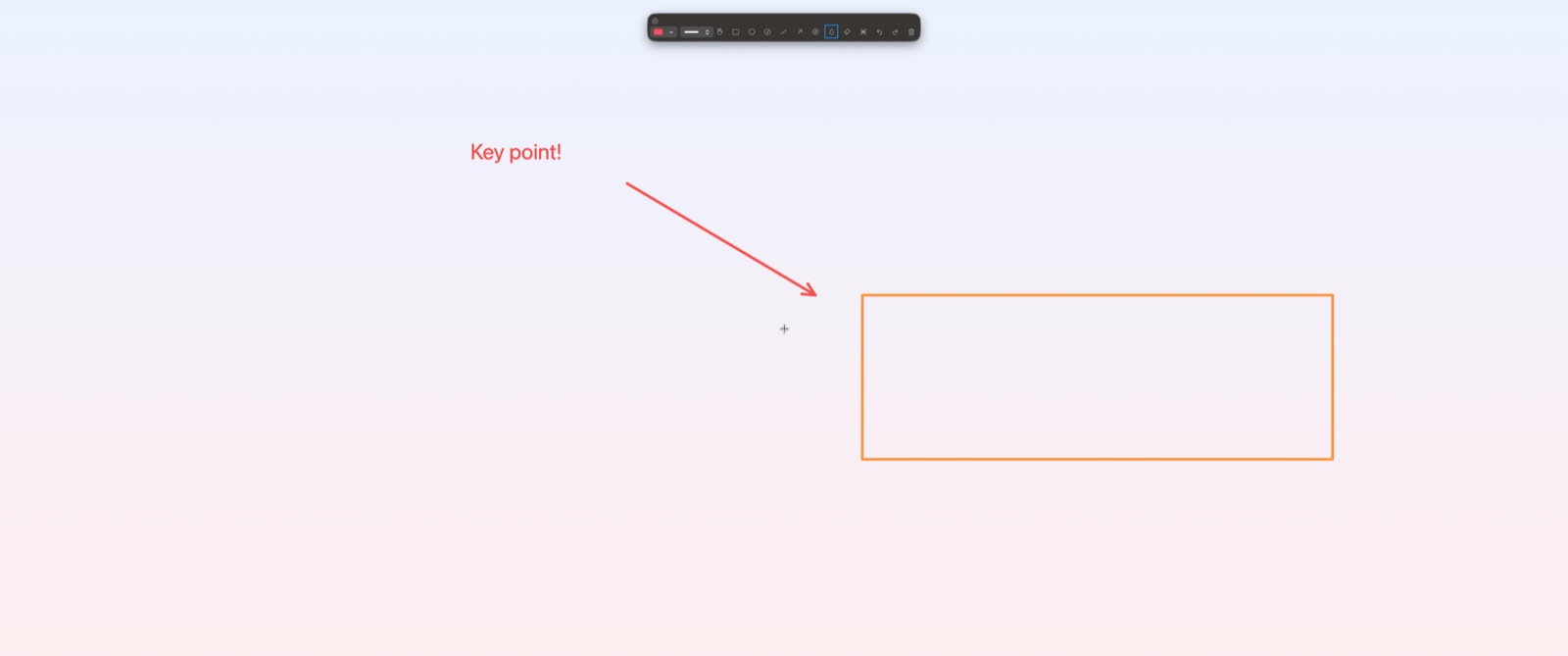
Draw directly on your screen with freehand, arrows, shapes, text, and more. Annotations appear as overlays above all applications.
Add animated ripple effects to your cursor, making it easy for viewers to follow your actions during presentations.
Quickly hide sensitive information on your screen with the built-in blur tool.
Capture your annotated screen to save and share your visual explanations.
Control Annotify from any application with system-wide keyboard shortcuts.
Available in English, Japanese, French, and German.
$0.99/month
30-day free trial included