Food best-before dates, appliance warranties, insurance renewals and recurring maintenance — with timely reminders, private spaces, and invite-only family sharing.

A quick look at tracking dates, stock and shared to-dos.
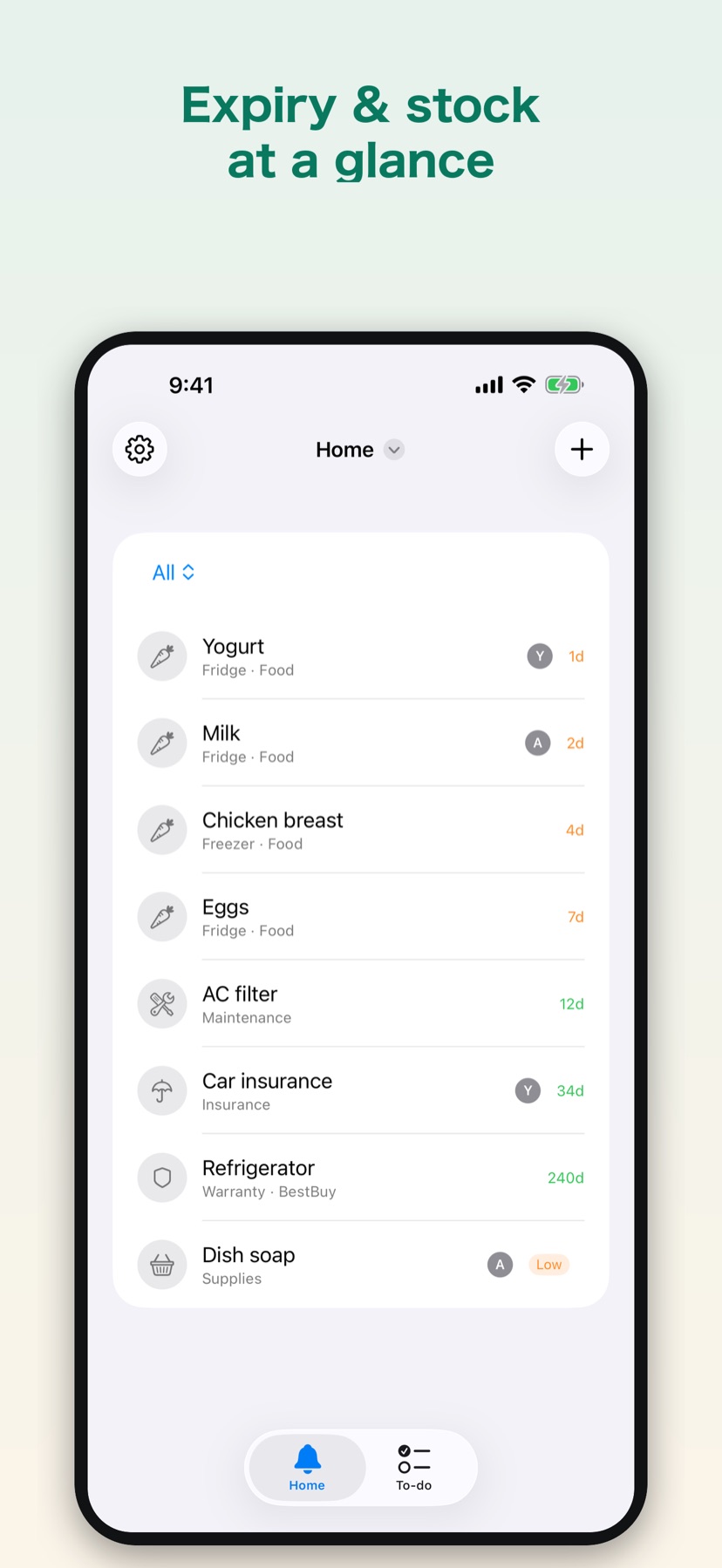
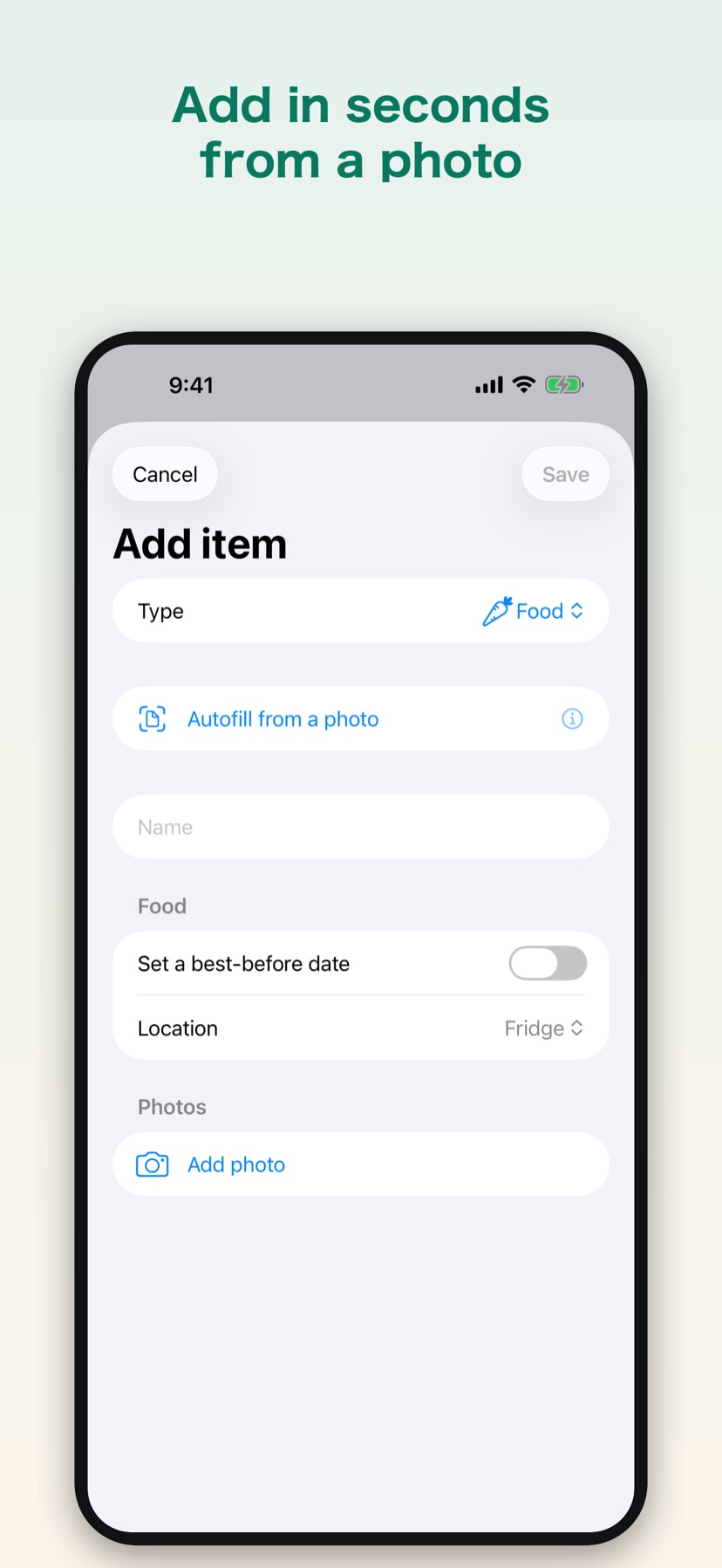
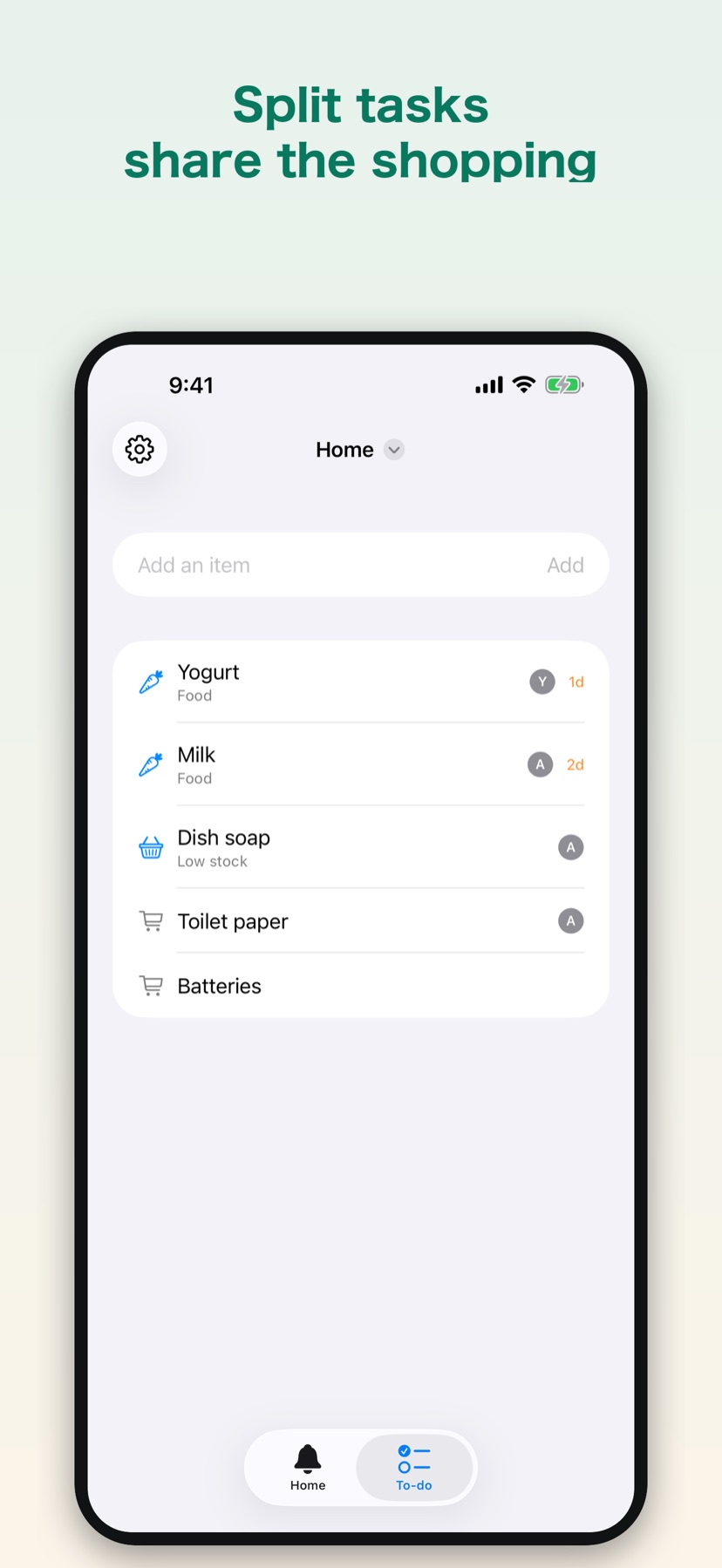
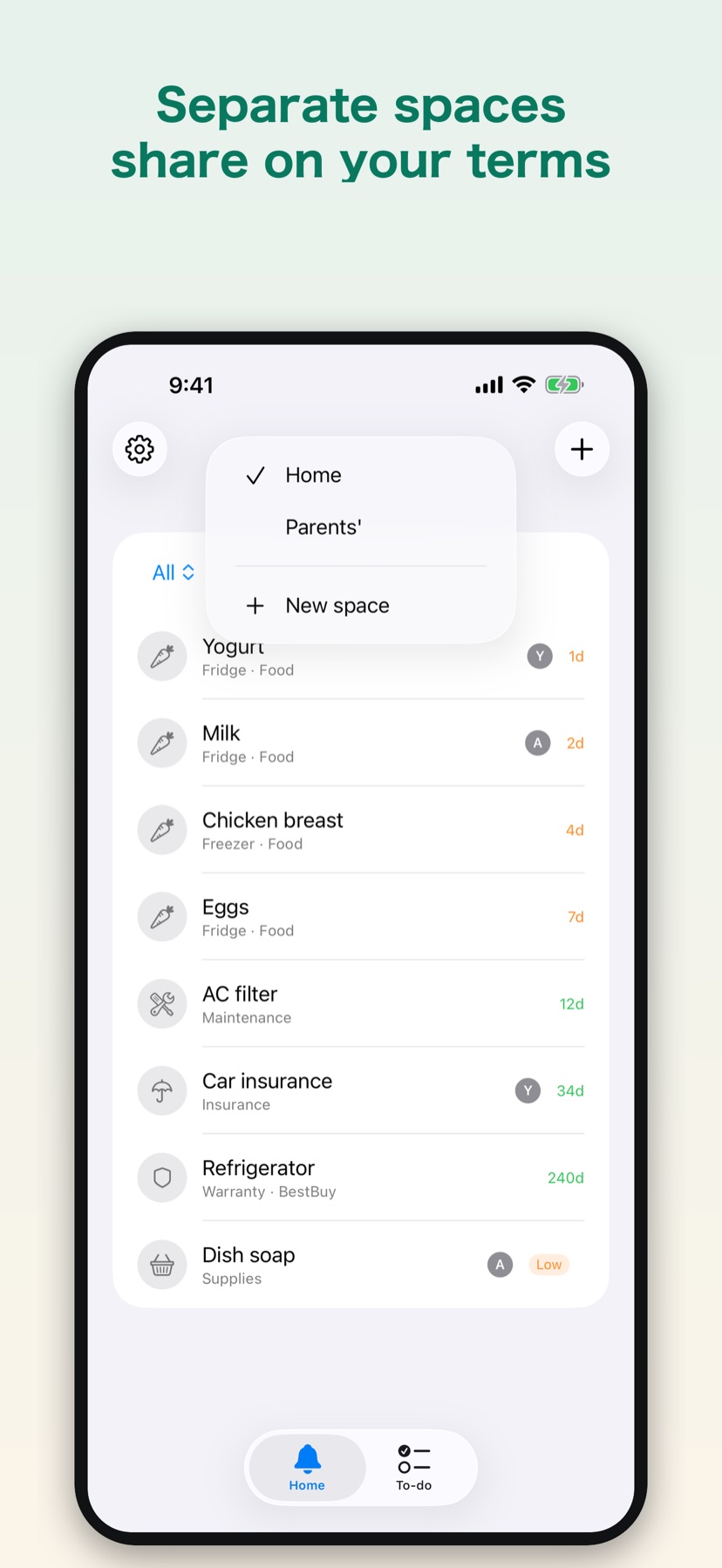
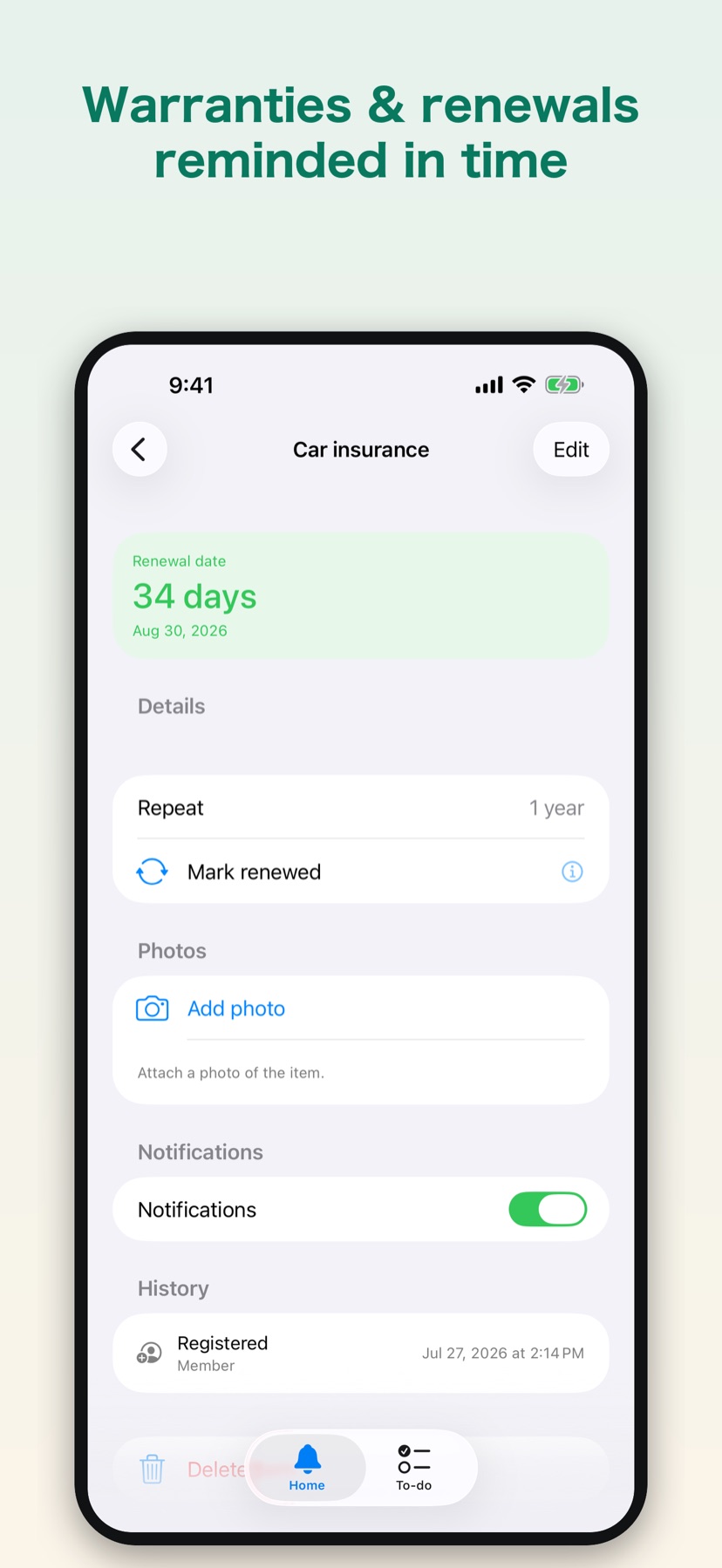
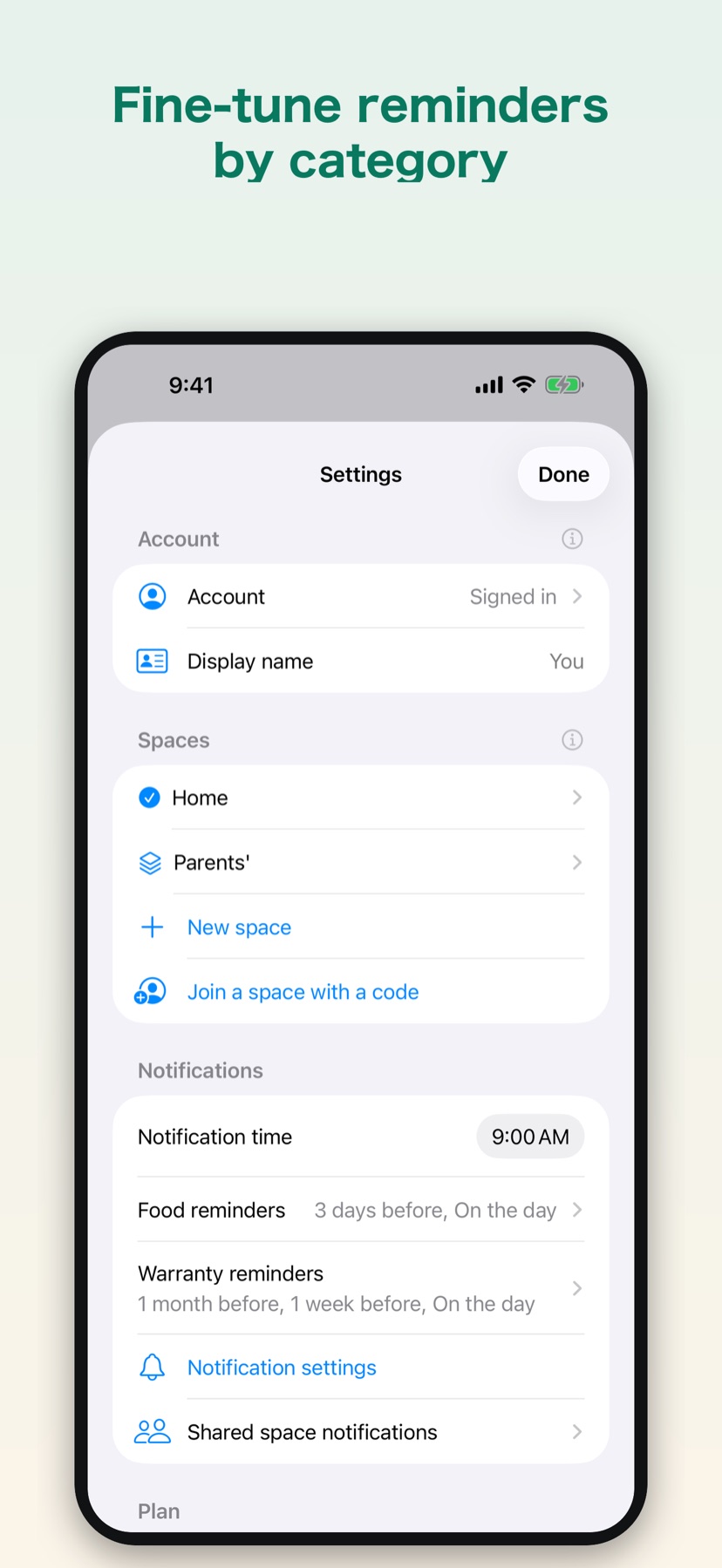
Turn on only the categories you need — from food to insurance.
Food best-before dates, appliance warranties, insurance renewals and filter or maintenance schedules — together, color-coded by what's due soon.
Turn Food, Warranty, Insurance, Maintenance and Supplies on or off per space. Keep it as simple or complete as you like.
Track everyday supplies by stock. Mark something Low or Out and it drops onto a shared shopping list — buy it, check it off, back in stock.
Turn what's due into to-dos and assign them to family members. Everyone gets a push notification when a task is assigned, completed or restocked.
For filters or insurance renewals, mark it done and the next date rolls forward automatically.
Organize items into spaces and share each one independently. Items in your other spaces stay private.
Share a space with an invite code and remove access anytime. Only one person per shared space needs Pro.
Scan a receipt or a barcode to auto-fill an item — reading the receipt runs entirely on your phone. Attach photos too; they sync privately to your space.
Food, warranties, insurance renewals or maintenance — with optional photos and receipts.
KeepBy notifies you before the date. Recurring items roll forward when you mark them done.
Keep personal items private, and group what you want to share.
Share a space with an invite code; everyone stays in sync and only one person subscribes.
Free to start. Pro unlocks unlimited items and sharing — only one person per shared space needs it.
| Feature | Free$0Forever free | Pro Subscription$3.99/moor $19.99/yr Best value | Pro Lifetime$49.99one-time |
|---|---|---|---|
| Active items | Up to 10 | Unlimited | Unlimited |
| Invite-only sharingOnly one person per shared space needs Pro. | — | ✓ | ✓ |
| All categories (food, warranty, insurance, maintenance, supplies) | ✓ | ✓ | ✓ |
| Due-date reminders | ✓ | ✓ | ✓ |
| Recurring items | ✓ | ✓ | ✓ |
| Shared to-dos & shopping list | ✓ | ✓ | ✓ |
| Home Screen widget | ✓ | ✓ | ✓ |
| Receipt & barcode scanning (on device) | ✓ | ✓ | ✓ |
| Photo attachments | ✓ | ✓ | ✓ |
| Future AI features | — | ✓ | — |
Prices are shown in US dollars. The amount charged follows your region's App Store price.
Yes — KeepBy is available on the App Store for iPhone running iOS 17 or later.
Food best-before dates, appliance warranties, insurance renewals and recurring maintenance like filters. Enable only the categories you need in Settings.
Organize items into spaces and share each space independently. Sharing uses an invite code — share the code and only people who enter it can join — and you can remove access anytime. Items in your other spaces stay private. Only one person per shared space needs Pro.
Yes. Turn items into to-dos, assign them to members of a shared space, and everyone gets a push notification when a task is assigned, marked done or restocked — so nothing gets bought twice or forgotten.
Your items sync through our secure backend so they work across your devices and with the people you share with, protected by encryption in transit and per-user access controls. Receipt scanning runs entirely on your device — only the photos you choose to attach are synced to your space, and only members of that space can see them. You can permanently delete your account and all data anytime from Settings.
Yes — a medium widget shows your upcoming to-dos across all your spaces at a glance, color-coded by how soon they're due.
English, Japanese, French, German, and Spanish.